
 Pin this recipe
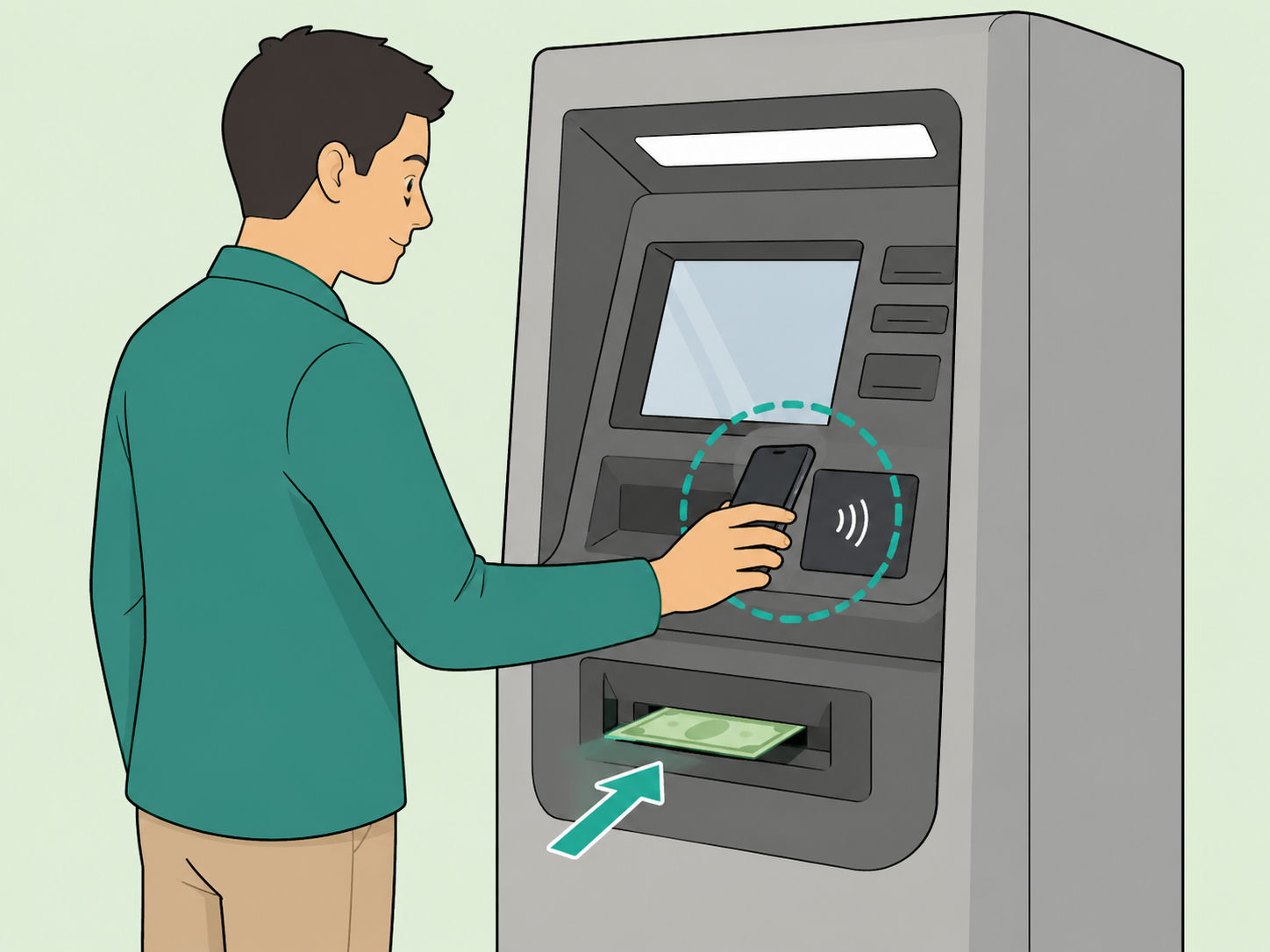
You can sometimes withdraw cash from an ATM without inserting a debit card, but only if your bank and that ATM support cardless access. The usual methods are a bank app code, a QR code, or a mobile wallet such as Apple Pay or Google Pay at a contactless ATM. This guide explains the safe, legitimate way to do it and the checks to make before you rely on it.
Confirm your bank offers cardless ATM access
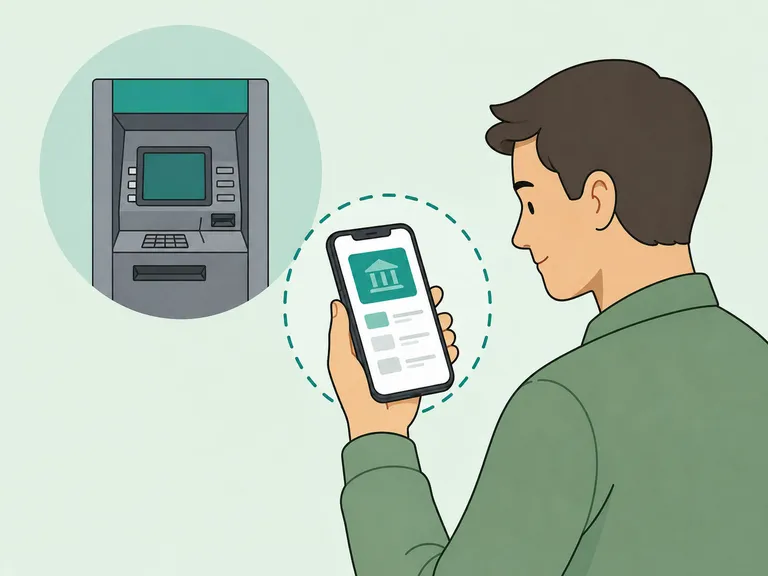
Open your bank's official website or app and search for cardless ATM, mobile cash, digital wallet ATM, or ATM access. Cardless systems vary: some use a bank app code or QR code, while others let you tap a phone wallet at a contactless reader, a difference noted in reporting on cardless ATM methods. If you cannot find the feature, assume your debit card is still required.
Add your debit card to the official app or wallet
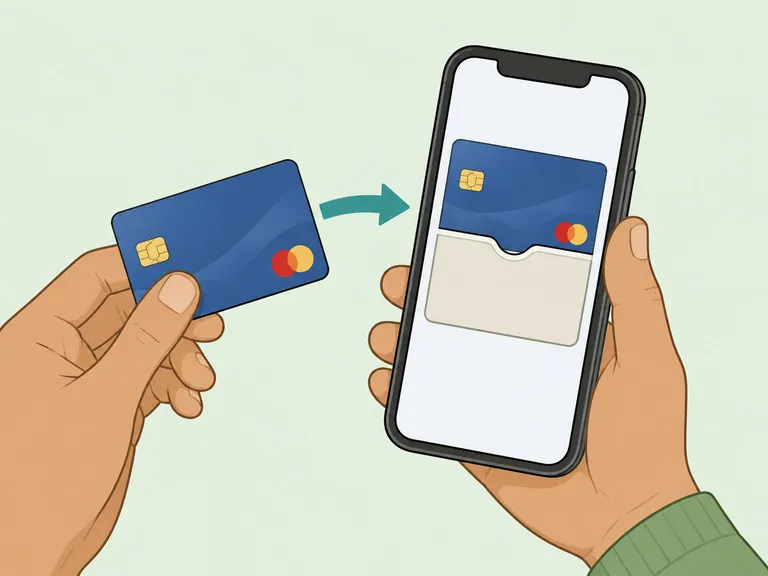
Set up the feature before you are standing at the ATM. If your bank supports mobile-wallet ATM access, add the eligible debit card to Apple Pay, Google Pay, or your bank's app and complete any verification steps. Apple says Apple Pay requires Face ID, Touch ID, or a passcode for purchases and uses security protections for card details, according to its Apple Pay security information.
Find a supported ATM before you go
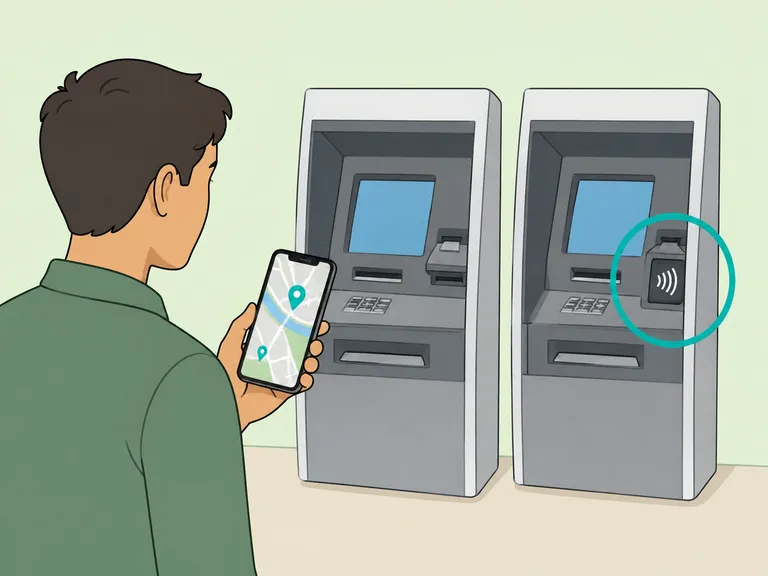
Use your bank's ATM locator or app filter to look for cardless, contactless, or digital wallet access. A contactless mobile-wallet withdrawal generally requires the contactless symbol at the ATM reader, and Lifewire notes that Apple Pay ATM use depends on finding a selected ATM with a contactless reader. When in doubt, choose your own bank's ATM because app-code systems may not work across other banks.
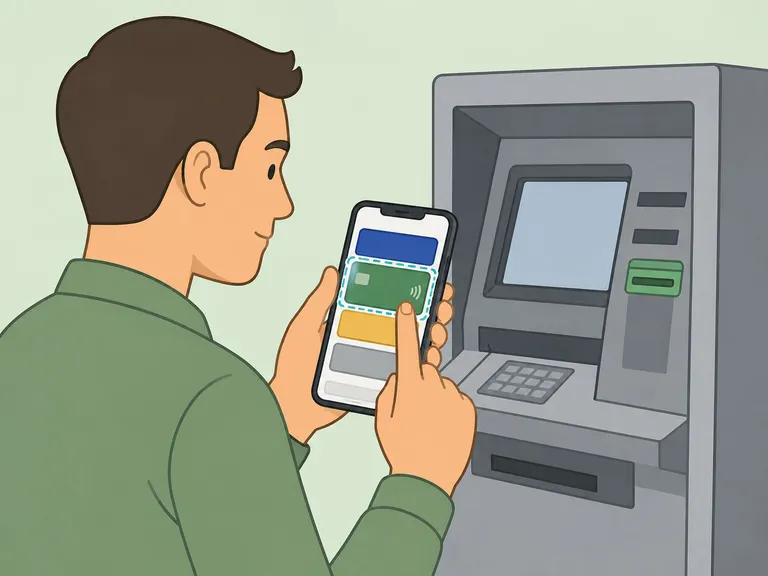
Open the bank app or mobile wallet at the ATM
For a bank-app withdrawal, choose the cardless ATM option and follow the app's prompts for the account and amount. For a mobile-wallet withdrawal, open the wallet and select the debit card you want to use. Google says its payment tools support tap-to-pay and built-in security features such as authentication and encryption on its Google Pay information page.
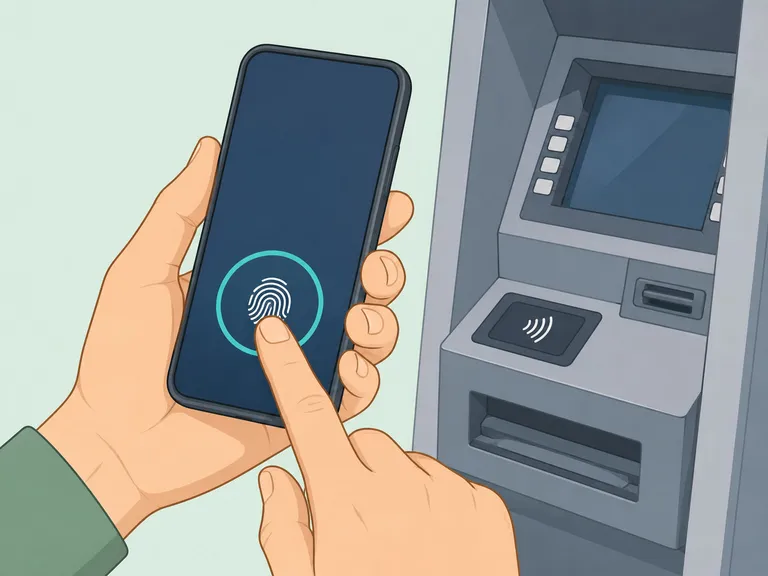
Authenticate on your phone before continuing
Use your fingerprint, face unlock, passcode, or bank-app login when prompted. This step proves that you have control of the phone or account before the ATM lets you continue. Do not unlock the phone or approve an ATM transaction for anyone else, even if they say they are from your bank.
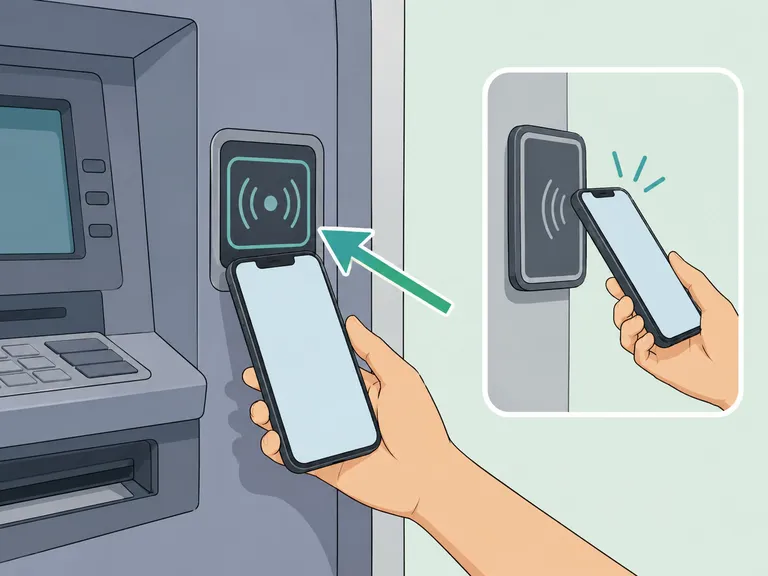
Tap, scan, or enter the one-time code
Follow the exact method shown by your bank or ATM: hold your phone near the contactless reader, scan the ATM's QR code, or enter the one-time access code from your app. Lifewire's Apple Pay ATM guide describes the basic contactless flow as selecting the card, holding the device near the reader, and then choosing the ATM service if prompted. If the ATM screen or app looks different from what your bank describes, cancel and try another machine.
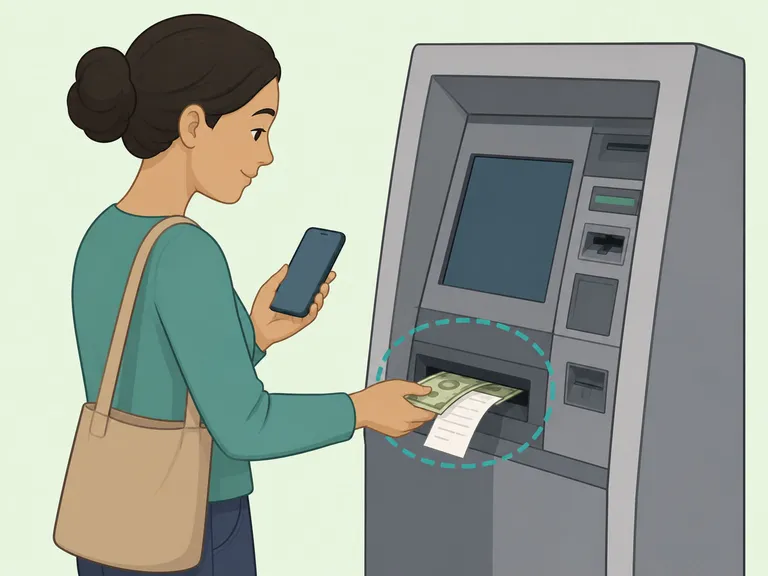
Choose the amount and collect everything
Select the withdrawal amount, confirm the account, and take the cash as soon as it is dispensed. Wait for the ATM to finish, collect any receipt, and make sure the session has ended before you walk away. Your usual withdrawal limits and ATM fees may still apply, so check the final screen carefully before confirming.
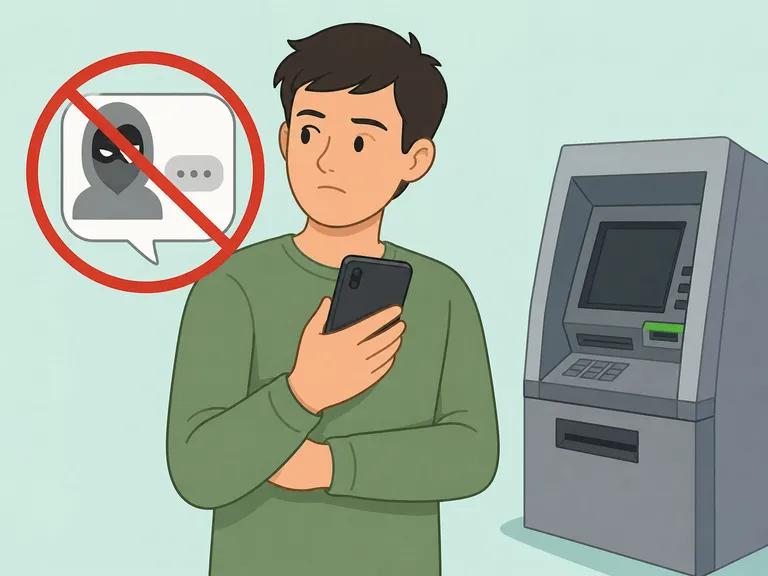
Protect your codes and watch for scams
Never share a one-time ATM code, wallet approval, password, or PIN by text, phone, or email. Bank impersonation scams often pressure people to act fast, click links, or call numbers in messages, and AP's report on FTC data advises contacting your bank through an official phone number or app instead. After any cardless withdrawal, check your account activity and report anything unfamiliar right away.
Article Summary
The bottom line: cardless ATM withdrawals are convenient when your bank supports them, but they are not a universal replacement for a debit card. Set up the feature ahead of time, use official bank tools only, keep one-time codes private, and monitor your account afterward.
Frequently Asked Questions
- Can I withdraw money from any ATM without my card?
- No. Cardless withdrawals work only at ATMs and banks that support the method you are using, such as a bank app code, QR code, or contactless mobile wallet.
- Do I still need my PIN for a cardless ATM withdrawal?
- Often, yes. Some ATMs still ask for your debit card PIN after you authenticate with your phone or app, so know your PIN before you go.
- Is a cardless ATM withdrawal free?
- Not always. Your bank's regular ATM rules still apply, and an out-of-network ATM may charge a fee even if you do not insert a physical card.
- Can someone else use my cardless ATM code?
- A one-time code can be risky if you share it. Treat ATM codes, QR approvals, wallet authentication, and PINs like cash access, and never send them by text or read them over the phone.
- What if the ATM does not show a contactless symbol?
- Use another ATM or bring your debit card. A mobile wallet method usually requires a contactless reader, and many cardless app methods work only on your bank's own machines.
- What should I do if a cardless withdrawal fails but my account is charged?
- Save the receipt or transaction details, take note of the ATM location and time, and contact your bank through the official app, website, or phone number as soon as possible.
References
Trusted culinary resources helped guide and refine this article.