
 Pin this recipe
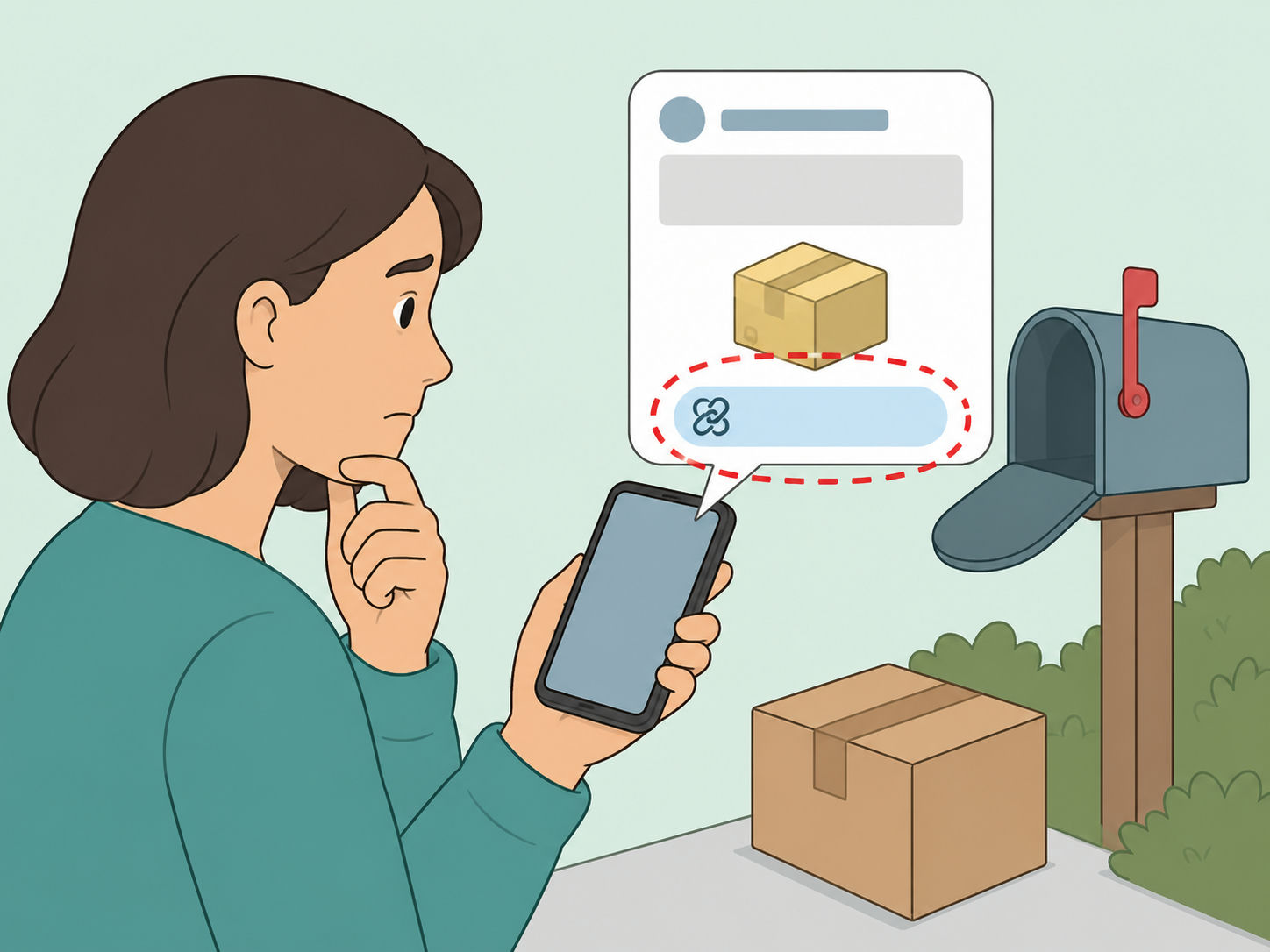
A text that says something like 'Bonjour c'est le livreur, votre colis ne rentrait pas dans la boite aux lettres' can feel believable, especially if you are expecting a parcel. This guide explains how to handle fake delivery texts without clicking the link or giving away card details. The goal is to verify the package through official channels and protect your accounts if you already interacted with the message.
Pause before you tap the delivery link
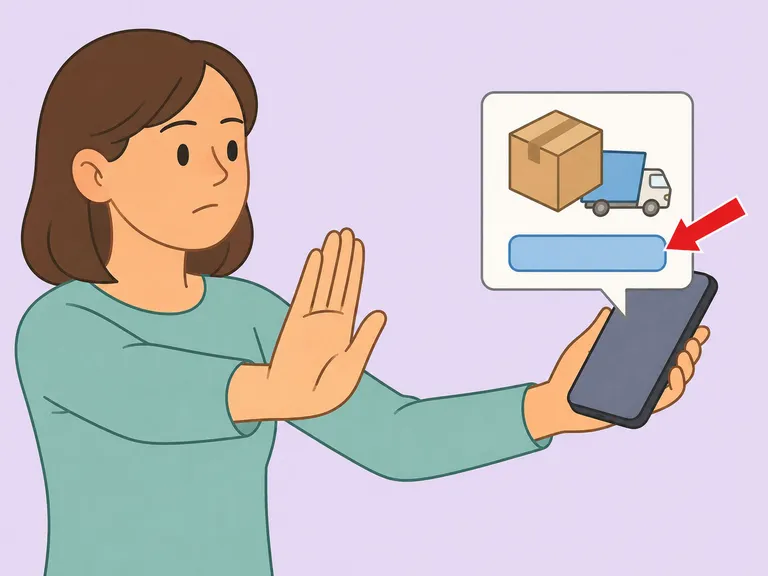
Scam delivery texts are designed to create urgency, such as claiming your parcel did not fit in the mailbox or needs a quick redelivery choice. The FTC warns that fake texts may include package delivery notices and links that lead to spoofed websites or malware, so do not tap an unexpected link or give personal information through it. Read the message calmly and treat it as unverified until you check it another way.
Check whether you requested tracking updates
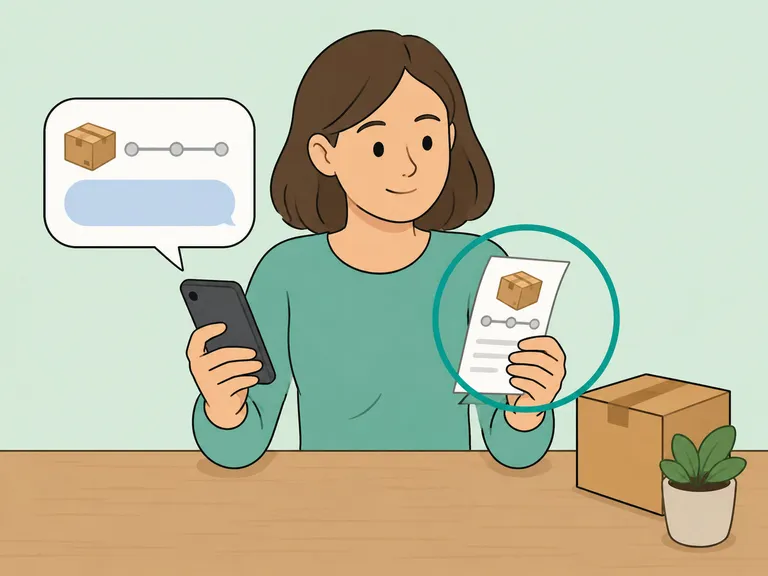
Ask yourself whether you signed up for text updates for that exact package. The U.S. Postal Inspection Service says USPS does not send tracking texts or emails unless the customer first requests the service with a tracking number, and those USPS messages will not contain a link. If you never requested tracking updates, that is a strong reason to ignore the message.
Inspect the sender and web address without opening it
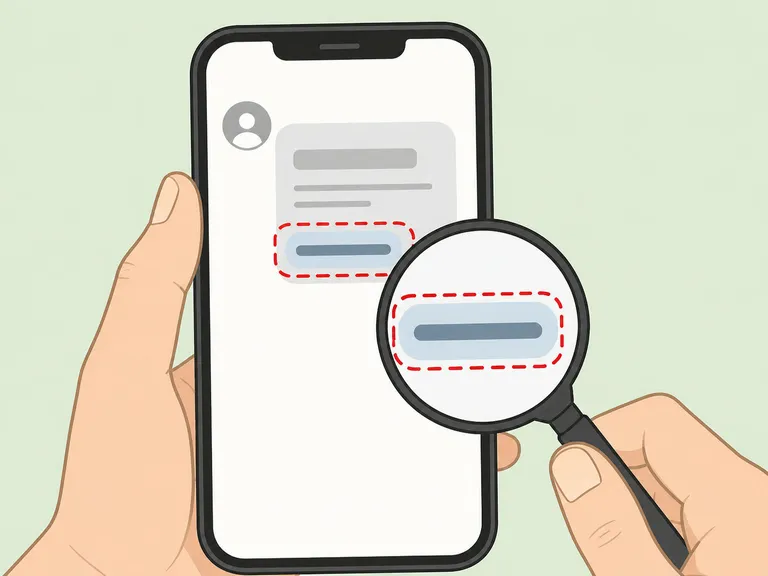
Look for an unfamiliar phone number, misspellings, odd punctuation, or a link that does not match the courier's real domain. Cybermalveillance.gouv.fr notes that phishing pages can imitate trusted organizations and may differ by only one character in the web address. If the link uses a strange domain, shortened URL, or pressure language, leave it alone.
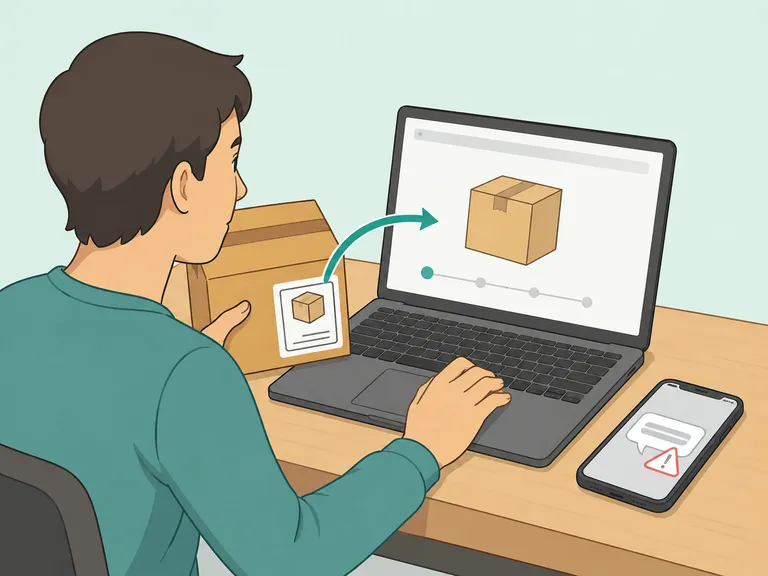
Verify the package through the courier's official site
Open a browser or courier app yourself instead of using the text link. The FTC recommends contacting a company through a phone number or website you already know is real when a message might be legitimate. For USPS, you can check tracking by going directly to USPS Tracking or by using the official text-tracking process described by USPS.
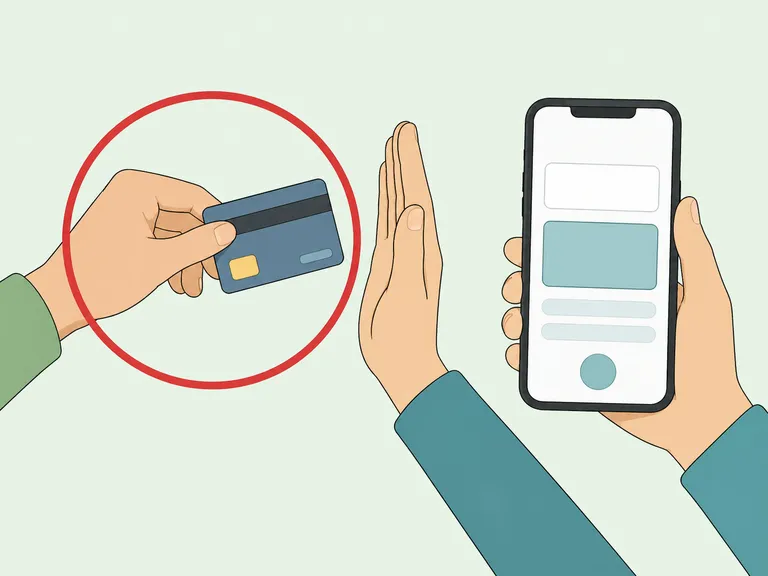
Refuse payment requests sent by text
Do not enter card details to pay a small redelivery fee, customs fee, or mailbox surcharge from the message. The FTC says legitimate companies will not text or email a link asking you to update payment information. If a payment is real, it should appear after you log in through the courier's official site or contact the seller through a known channel.
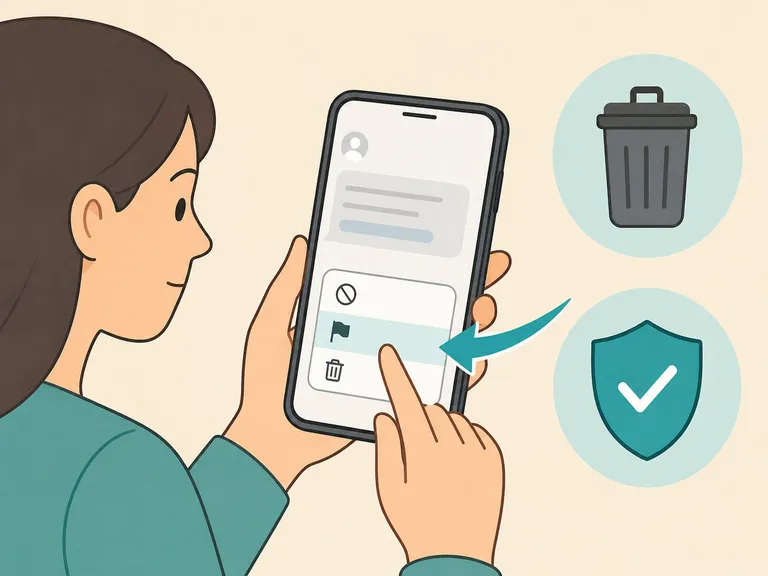
Report the text before deleting it
Use your phone's report junk option if it is available, then forward the suspicious text to 7726, which the FTC says helps wireless providers identify and block similar messages. For USPS-related smishing, the Postal Inspection Service asks people to email details to spam@uspis.gov and include a screenshot showing the sender and date. You can also report cyber-enabled fraud to the FBI's IC3 if money or sensitive data was involved.
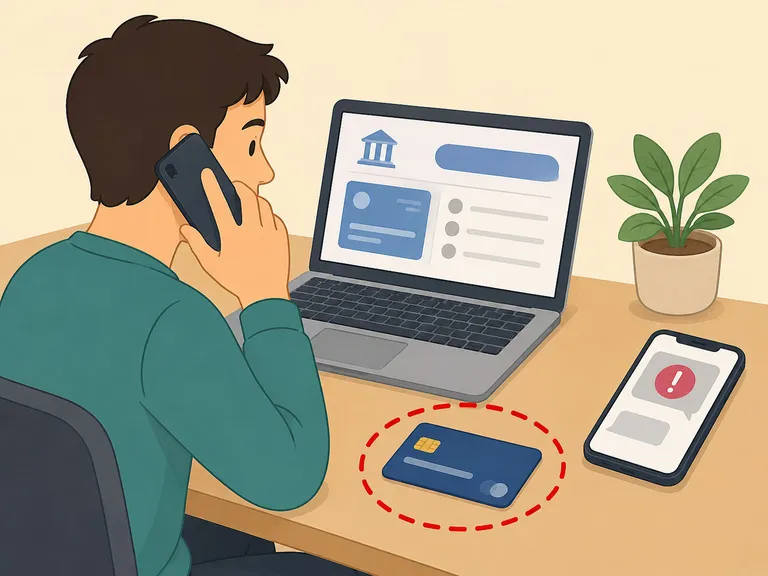
Protect your accounts if you clicked or typed information
If you clicked but did not submit anything, close the page and avoid entering more information. If you gave card, bank, password, or identity details, the FTC recommends contacting the relevant bank or company quickly, changing compromised passwords, and checking accounts for unauthorized activity. Save the message, screenshots, and any charge details in case your bank or law enforcement asks for evidence.
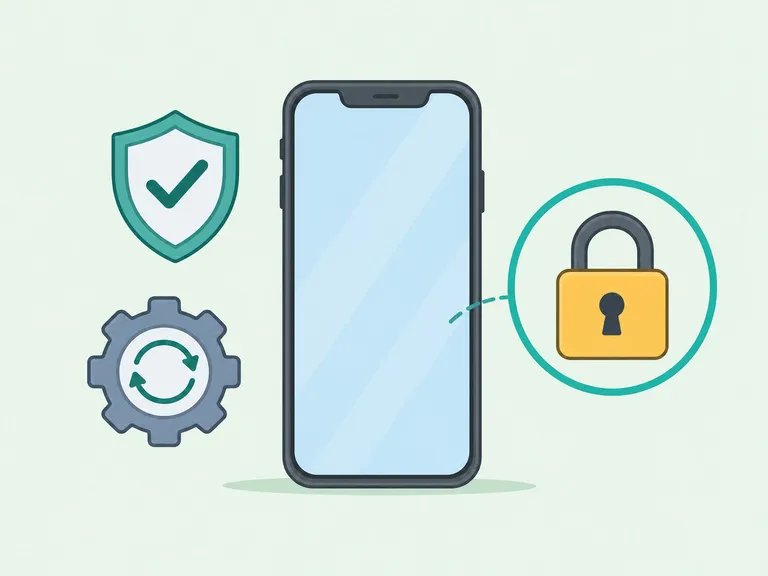
Turn on protections for future messages
Enable your phone's spam filtering tools, keep your device software updated, and use multi-factor authentication on important accounts. The FTC lists phone updates and multi-factor authentication as practical ways to reduce the damage from phishing attempts. These protections will not stop every fake delivery text, but they make a mistaken tap less likely to become a bigger problem.
Article Summary
The bottom line: treat unexpected delivery texts as suspicious until you verify them through the courier's official website, app, or tracking number. Do not pay fees through a text link, report the message, and contact your bank quickly if you shared payment details.
Frequently Asked Questions
- What is the package-didn't-fit text scam?
- It is a delivery-themed smishing message that claims a parcel could not be delivered or did not fit in the mailbox. The link often leads to a fake courier page that asks for personal information, card details, or a small payment.
- Should I click the link if I am expecting a package?
- No. Open the courier's official website or app yourself and enter the tracking number there. If you do not have a tracking number, contact the seller or courier through a known, official channel.
- Is a small redelivery fee always a scam?
- Not always, but a fee request sent through an unexpected text link is a major warning sign. Verify directly on the courier's official site before paying anything.
- Can scammers know that I am expecting a delivery?
- Sometimes the timing is coincidence, and sometimes scammers use broad messages because many people are waiting for parcels. Treat the text as untrusted unless it matches a tracking request you started yourself.
- What should I do if I entered my card number?
- Contact your bank or card issuer immediately, explain that the details were entered on a suspected scam site, and ask how to block or dispute unauthorized charges. Save screenshots and report the scam.
- Can I just reply STOP to the message?
- Do not reply to a suspicious scam text. Use your phone's report junk option, forward the message to 7726 where available, and delete it after saving evidence if you need it.
References
Trusted culinary resources helped guide and refine this article.
- https://www.uspis.gov/news/scam-article/smishing-package-tracking-text-scams
- https://consumer.ftc.gov/articles/how-recognize-and-report-spam-text-messages
- https://consumer.ftc.gov/articles/how-recognize-avoid-phishing-scams
- https://www.usps.com/text-tracking/welcome.htm
- https://consumer.ftc.gov/articles/what-do-if-you-were-scammed
- https://www.cybermalveillance.gouv.fr/tous-nos-contenus/fiches-reflexes/hameconnage-phishing
- https://www.ic3.gov